Key Takeaways.
- AI slop designs are easy to spot. Same purple gradient, default Inter typeface, giant italic serif font and em dash (—).
- Besides the design, the content generated by the AI coding platform is vague and aspirational. They sound impressive but explain absolutely nothing about what the product actually does.
- A mix of a well written prompt and reference can help your ai coding platform to build a better ui than its own default system.
Create A Design Prompt That Builds Beautiful UI pt (rules markdown)
To ensure that your ai assisted coding system doesn’t generate ai slop you must create a master prompt (rules markdown)
# DESIGN.md — [Product name]

## 1. Product and user
- Product: [one-sentence description]
- Primary user: [specific role, not “everyone”]
- Primary task: [what they must accomplish]
- Platforms: [web, mobile web, iOS, Android]
- Tone: [3 adjectives + 1 anti-adjective, e.g. “calm, precise, technical — not playful”]

## 2. Design principles
1. Clarity before decoration.
2. One primary action per screen.
3. Use real product evidence, not abstract visuals.
4. Prefer existing components over new ones.
5. Accessibility is non-negotiable.

## 3. Color tokens
- `--bg`: #FFFFFF — page background
- `--surface`: #F6F7F9 — cards and panels
- `--text`: #111827 — primary text
- `--text-muted`: #4B5563 — secondary text
- `--primary`: #0B5FFF — primary actions and links
- `--accent`: #FF5A36 — selected states only; never the primary action
- `--danger`: #D92D20 — destructive actions and errors

Rules:
- Use tokens only; do not invent colors.
- Maintain WCAG AA contrast for all text.
- Use one accent per screen.
- Do not use gradients for headlines, buttons, or hero backgrounds.

## 4. Typography
- Display: [font], weights [600, 700]
- Body: [font], weights [400, 500]
- Mono: [font], weight [400]

Scale:
- H1: 40/48, 700
- H2: 28/36, 600
- H3: 20/28, 600
- Body: 16/24, 400
- Small: 14/20, 400

Rules:
- Maximum two typefaces.
- No all-caps body text.
- Do not use gradient, outline, or animated text.

## 5. Spacing and layout
- Base unit: 4px.
- Allowed spacing: 4, 8, 12, 16, 24, 32, 48, 64.
- Container: max-width 1,200px.
- Mobile breakpoint: 768px.
- Grid: 12 columns on desktop; single column under 768px.

Rules:
- No arbitrary pixel values.
- Do not center every section.
- Maintain a clear visual hierarchy: one H1, one primary CTA, then supporting content.

## 6. Components
- Buttons: 8px radius, 12px vertical / 20px horizontal padding; one primary button per view.
- Cards: 12px radius, 1px solid `--border`, no drop shadow unless interactive.
- Inputs: 8px radius, visible label, inline validation, 44px minimum touch target.
- Tables: sticky header, zebra rows only when more than 10 rows.
- Empty states: explain what is missing, why, and the next action.

Rules:
- Reuse existing components from `/components`.
- Do not create a new component unless no existing one fits.
- Every interactive element needs hover, focus-visible, active, disabled, loading, and error states.

## 7. Imagery and icons
- Use real screenshots, diagrams, or product data.
- Icons: [icon library], 20px or 24px, one stroke width.
- Do not use AI-generated people, stock handshakes, glowing orbs, or abstract gradient blobs.
- Every image needs meaningful alt text.

## 8. Motion
- Durations: 150ms for hover/focus, 250ms for panels, 400ms maximum for page transitions.
- Easing: ease-out.
- Respect `prefers-reduced-motion`.
- No looping background animations.

## 9. Accessibility
- WCAG 2.2 AA minimum.
- Visible focus ring on every interactive element.
- Keyboard navigation for menus, modals, tabs, and forms.
- Minimum touch target: 44 × 44px.
- Do not rely on color alone to convey status.

## 10. Explicit bans
Do not use:
- Purple-to-blue gradient heroes.
- Gradient headline text.
- Glassmorphism cards.
- Generic three-icon feature rows.
- “Trusted by” logo strips without verifiable logos.
- Buzzwords: seamless, revolutionary, cutting-edge, supercharge, unlock.
- Placeholder metrics or testimonials.

## 11. Definition of done
Before returning output, confirm:
- [ ] All colors use design tokens.
- [ ] All spacing uses the approved scale.
- [ ] One primary CTA per screen.
- [ ] Keyboard and screen-reader paths work.
- [ ] Mobile layout is usable at 375px.
- [ ] No banned patterns are present.
- [ ] Copy is specific and factually grounded.
- [ ] Existing components were reused where possible.
Give References & Assets To Your AI UI Designer
The fix to AI slop design isn’t a better model. It has better inputs, a clear design brief, a set of rules the model must follow, and real references to build them.
Make it look modern. Produces the average of everything the model has seen.
Showing it a specific reference produces something that only a human eye can appreciate. You can use some of the following references.
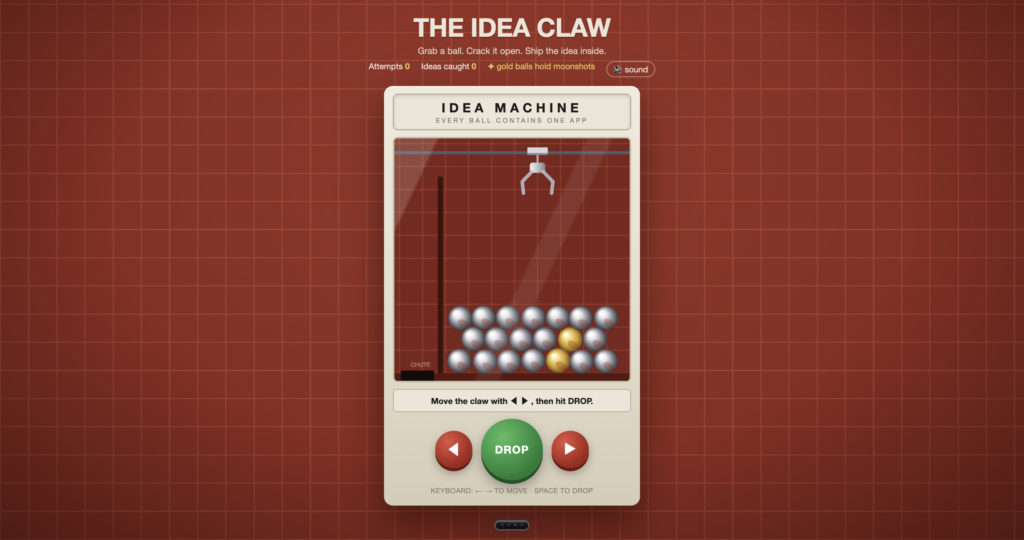
Screenshot of a product you admire with a note on what to borrow. For example, take the specific spacing and table density, ignore the colors. Below is an example of a screenshot turned into a working web app.
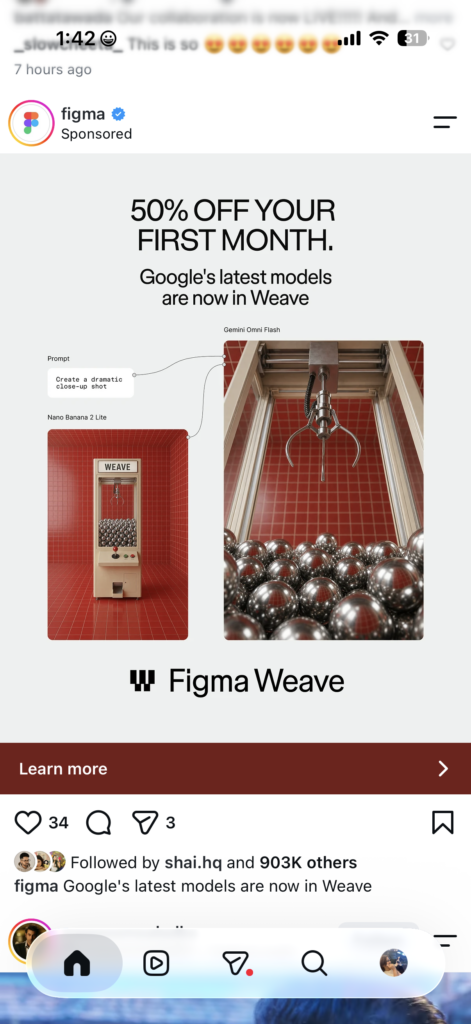
The design
A design markdown file from a public catalog. This format was popularized by Google’s Stitch.
Check out getdesign.md, a catalog of more than 550 design markdown files. Each entry captures a site’s color, type, spacing, and components.
You can install one with npx get-design.md Enter your project root. The site describes these as independent analysis of publicly visible designs and not official design systems, so treat them as starting points.
Another useful resource is the designprompt.dev website, an explorer with 31+ design styles, each with an AI-ready prompt to recreate that aesthetic in your own project. Use it to find a direction before you write your rules files.
Use references as inspiration and not as a clone target.
A design.markdown file from a major brand captures that brand’s visual language, and borrowing its wholesale for a competitor’s look can create trademark problems.
Use it to learn structure and taste, then build your own system.
Related reading: Web Design Trends 2026–27: The Best Ideas to Steal Now — a rundown of the visual directions actually worth borrowing this year.
Review And Test Your UI Design
You must look at your UI design output as an engineer who designs for functionality, which goes beyond being a prompt engineer.
Now, with even good rules, check the results against 4 questions:
- Does the hierarchy read in 3 seconds? Squint at the screen. One clear focal point should stand out
- Is there exactly 1 primary action? If 2 buttons compete, the rules weren’t followed
- Does your interactive element have all its states? This means hover, focus, visible, active, disabled, loading, and error. Missing states are the most common gap in generated UI
- Is the copy specific? If you can’t tell what the product does from the headline, rewrite it before you ship
And lastly, when something’s wrong, fix the rules file, not just the screen. If the agent made a mistake once, it will make it again unless the rule is written down.
Wrapping up
Treat your AI coding agent as your helper and not the director of your product. Yes, these platforms can speed up the process of building apps but it has its own shortcomings when used for creating user interfaces.
With the right prompts, directives by a human and intentional designing vision you can create ai-assisted applications that look like a human made it entirely.
Design Sources
Design prompts dev: A library of AI-ready design prompts to help explore and recreate distinct visual styles for your apps.
GetDesign.md: A catalog containing hundreds of design markdown files capturing colors, typography, and component structures from real-world sites.
UI Atlas: A curated resource for UI inspiration and design system patterns to elevate application design.
Watermelon UI: it is an open-source react native component library that offers animated components, copy-paste blocks, dashboards, and full templates.