
“I don’t prompt Claude anymore. I have loops running that prompt Claude. My job is to write loops.”
— Boris Cherny, Head of Claude Code at Anthropic on Loop Engineering.
For the past two years, working with AI coding agents meant you typed a prompt, read the output, typed the next prompt, and repeated. You were the engine of the loop—one turn at a time.
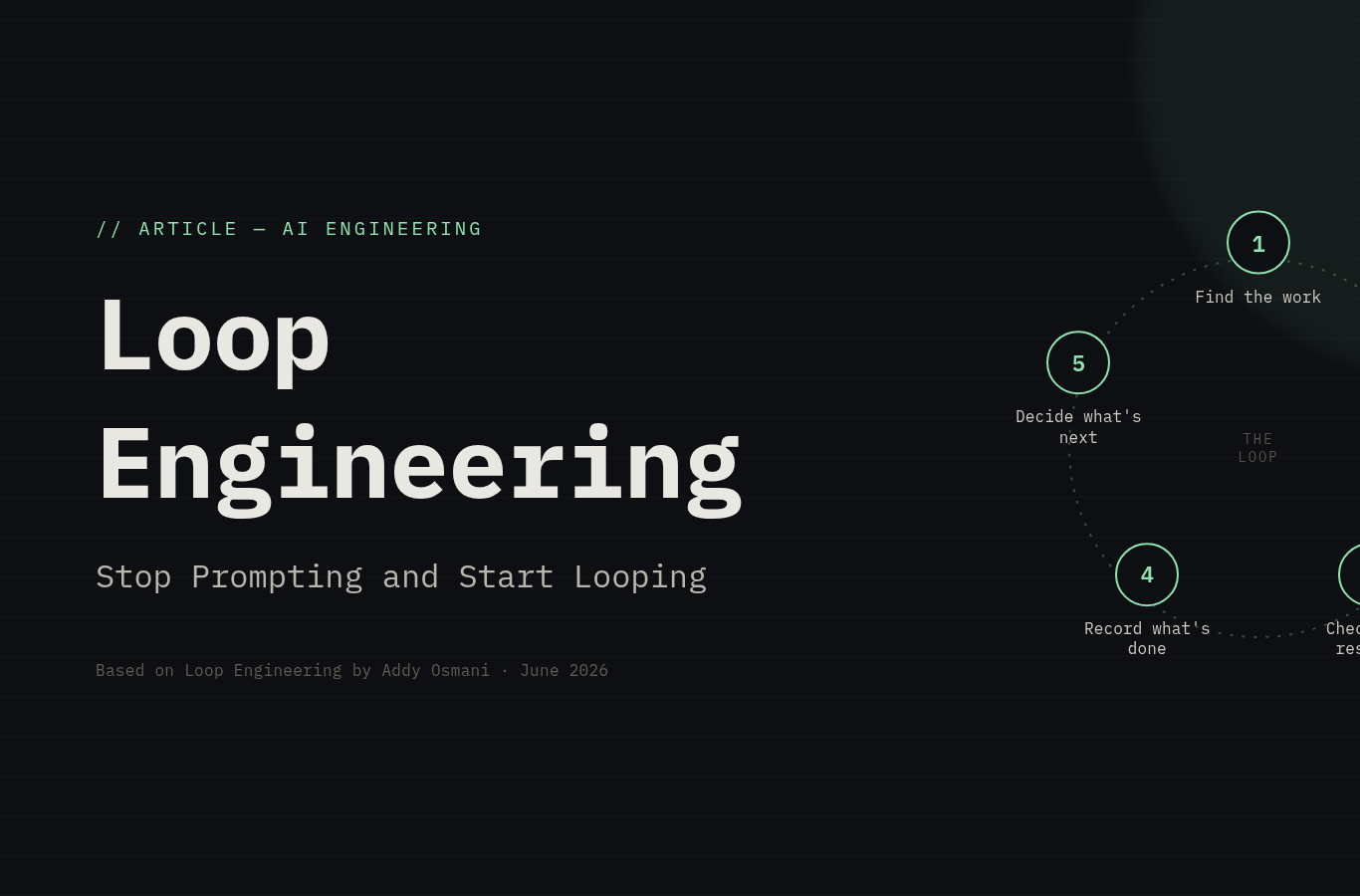
Loop engineering flips that. Instead of you prompting the agent, you design a system that prompts on your behalf. You build a small control loop that:
- Finds the work
- Hands it to agents
- Checks the results
- Records what’s done
- Decides what’s next
Then you let that system nudge the agents instead of doing it yourself. The leverage point shifts from writing good prompts to designing good loops.
The 5 Building Blocks of a Loop (+ Memory)
Every loop needs five primitives—and one place to store state:
The 5 Building Blocks of a Loop (+ Memory)
Every loop needs five primitives—and one place to store state:
1. Automations — The Heartbeat
Automations are what make a loop a true loop, not a one-off run. Set a schedule (daily, hourly, on commit) and let the system discover work, triage issues, and surface findings—all without you asking.
Examples:
- Daily issue triage
- Summarizing CI failures
- Hunting bugs from last week’s commits
- Writing commit briefings
Key commands: /loop (runs on a cadence), /goal (runs until a condition is true—e.g., “all tests pass and lint is clean”)
2. 🌲 Worktrees — Parallel Without Chaos
As soon as you run more than one agent, file collisions become the failure mode. Git worktrees give each agent its own working directory on its own branch, while sharing the same repo history. One agent’s edits literally can’t touch another’s checkout.
3. 🧠 Skills — Stop Re-explaining Your Project
A skill is how you stop re-explaining the same project context every session. It’s a SKILL.md file containing your conventions, build steps, and project-specific knowledge—written once and read by the agent every run.
4. 🔌 Plugins & Connectors — Touch Your Real Tools
A loop that can only see the filesystem is a small loop. Connectors (built on MCP) let agents read your issue tracker, query databases, hit staging APIs, and post to Slack—bringing the loop into your actual workflow.
This is the difference between: an agent that says “here is the fix” vs. a loop that opens the PR, links the Linear ticket, and pings the channel once CI is green—by itself.
5. 🤝 Sub-Agents — Separate the Maker from the Checker
The most important structural pattern: split the agent who writes from the agent who checks. The model that wrote the code is usually too generous when grading its own homework. A second agent with different instructions catches what the first one talked itself into.
Typical split: One agent explores → one implements → one verifies against the spec.
📝 +1: State / Memory — The Spine
A markdown file, a Linear board—anything that lives outside a single conversation. The model forgets everything between runs, so memory has to be on disk, not in context.
What a Loop Actually Looks Like?
Here’s a common pattern:
Morning automation runs on the repo
    ↓
Triage skill reads CI failures, open issues, recent commits
    ↓
Findings written to a markdown file / Linear board
    ↓
For each actionable finding:
    → Open an isolated worktree
    → Sub-agent A drafts the fix
    → Sub-agent B reviews against project skills + tests
    ↓
Connectors open the PR, update the ticket
    ↓
Anything the loop can't handle → triage inbox for you
    ↓
State file remembers what passed and what's open
    ↓
Tomorrow's run picks up where today stopped
Tool Comparison
| Primitive | Codex | Claude Code |
|---|---|---|
| Automations | Automations tab, /goal | Scheduled tasks, /loop, /goal, hooks, GitHub Actions |
| Worktrees | Built-in worktree per thread | git worktree, --worktree flag, isolation: worktree |
| Skills | SKILL.md in .codex/skills/ | SKILL.md in .claude/skills/ |
| Plugins | MCP connectors + plugins | MCP servers + plugins |
| Sub-agents | TOML in .codex/agents/ | Agents in .claude/agents/, agent teams |
| State | Markdown / Linear via connector | Markdown (AGENTS.md) / Linear via MCP |
The names differ, but the shape is the same across tools. Design the loop around the primitives, not the product.
What the Loop Doesn’t Do for You
Three problems get sharper as the loop gets better, not easier:
Verification Is Still on You
A loop running unattended can also make mistakes unattended. The verifier sub-agent helps, but “done” is a claim, not a proof. Your job is to ship code you’ve confirmed works.
Comprehension Debt
The faster the loop ships code you didn’t write, the bigger the gap between what exists and what you understand. A smooth loop makes this grow faster—unless you actively read what the loop produces.
Cognitive Surrender
When the loop runs itself, it’s tempting to stop having opinions and accept whatever it returns. Loop design is the cure when done with judgment, and the accelerant when done to avoid thinking. Same action, opposite result.
The Bottom Line
Loop engineering isn’t easier than prompt engineering—it’s higher leverage. The work didn’t get simpler; the leverage point moved.
Build the loop—but build it like someone who intends to stay the engineer, not just the person who presses go.
Based on Loop Engineering by Addy Osmani (June 2026)




Leave a Reply