
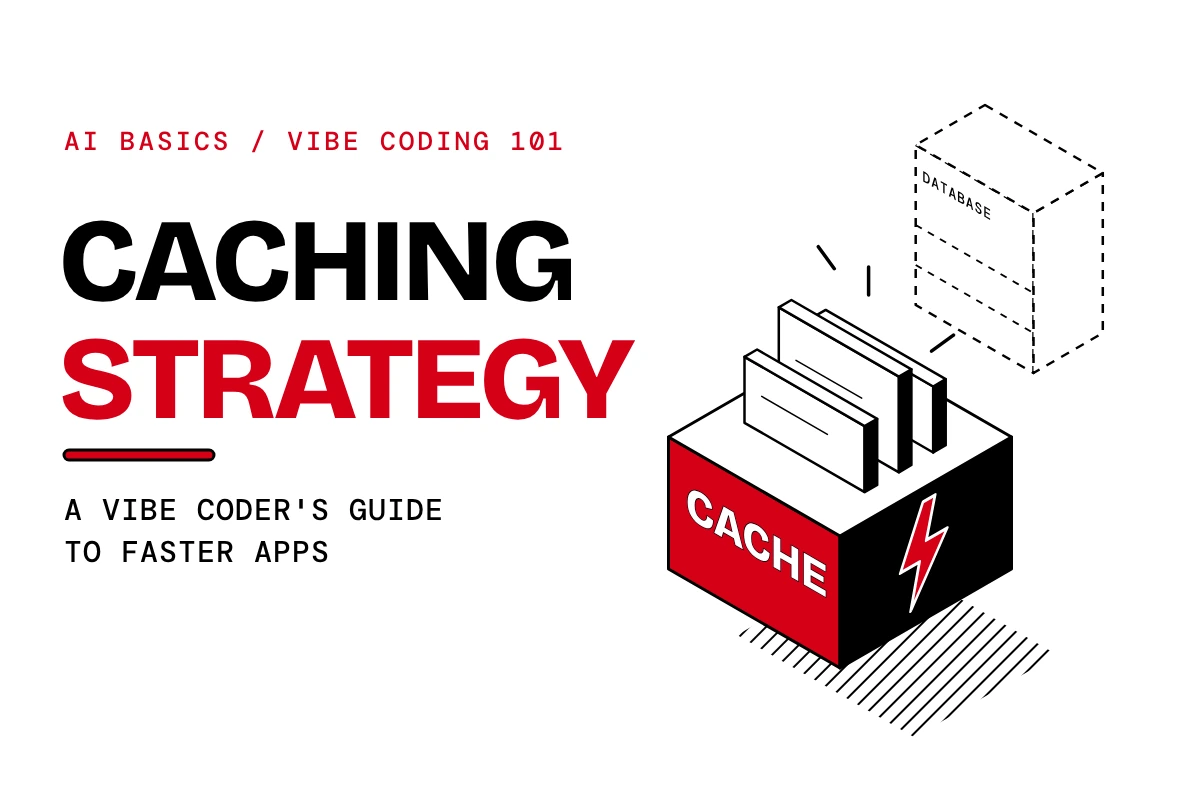
A caching strategy is your plan for what data to store in a fast place, how long to keep it there, and when to refresh it. Done right, your app stops asking the slow database the same question again and again. As a result, pages load faster, your backend stays calm, and your hosting bill stays smaller.
TL;DR
- Caching means keeping a ready copy of data in a fast spot so you do not fetch it from a slow source every time.
- A caching strategy decides what to cache, for how long, and when to refresh it.
- Redis is the standard choice for production apps.
- The four strategies to know: cache aside, write through, TTL and LRU.
- You do not need to write the setup yourself. You need to know what to ask for.
1. What is caching?
Caching is storing data in a fast, easy to reach place so you do not have to fetch it from a slow source every time.
Think of a chai stall near your office. The stall owner does not boil fresh water for every single cup. Instead, he keeps a big pot hot and ready. As a result, your order arrives in seconds. The hot pot is the cache. The slow work of boiling from scratch is the database.
Two terms you will hear a lot:
- Cache hit: The data was already in the cache. Fast answer.
- Cache miss: The data was not there. The app goes to the database, then saves a copy for next time.
2. What is a caching strategy?
A caching strategy is the approach you use to decide three things:
- What to cache: Which data is worth keeping ready.
- How long to keep it: The lifespan of each copy before it goes stale.
- When to refresh it: What triggers a fresh copy.
Caching without a strategy is just hoarding. As a result, you end up showing old data to users or filling up memory with things nobody asks for.
3. Why does a caching strategy matter?
Databases are slow. APIs are slow. Recomputing things is slow. Because every one of those trips takes time, your users feel it.
Here is what you get when you cache the right things:
- Speed: Your app answers instantly instead of waiting on the database.
- Less load: Your backend handles fewer requests, so it stays stable when traffic jumps.
- Lower cost: Fewer database calls and fewer paid API calls usually mean a smaller bill.
- Better experience: Fast apps feel good. Slow apps get closed.
4. Where does the cache sit in your app?
A caching strategy can apply at multiple layers. However, for most vibe coded apps, the one that matters most is the cache layer that sits between your routes or services and your database.
The flow looks like this:
- The user opens your app.
- The app sends a request to your backend.
- The backend checks the cache first.
- Only if the cache has nothing does it visit the database.
The cache is a bouncer standing in front of the database. Most visitors never get past the bouncer, because the bouncer already has the answer.
You can also keep a cache inside your application’s own memory. That works for small projects and quick tests. However, for production apps, a dedicated cache tool is the better move.
5. How does caching work, step by step?
Let us use a real example of a caching strategy at work: a request to get all products on a shopping app.
- A request comes in asking for all products.
- Before touching the database, the app checks the cache. It asks, “Do I already have products saved?”
- If yes, it returns the saved data instantly. This is a cache hit.
- If no, it fetches the products from the database, saves them in the cache with an expiry time (say, 1 hour), and then returns them. This is a cache miss.
- The next person who asks for products gets the saved version.
- After 1 hour, the saved copy expires and disappears. The next request fills the cache again, and the cycle repeats.
One person pays the slow price. Meanwhile, everyone after them gets the fast answer.
6. What are the most common caching strategies?
There are four you should know. In fact, most real apps mix two or more.
Cache aside
The app checks the cache first. On a miss, it fetches from the database and stores the result in the cache.
- Best for: Data that is read often and changes rarely, like product lists or blog posts.
- Why people like it: It is simple, and the cache only holds what people actually ask for.
Write through
Whenever you update data, you update the cache and the database at the same time.
- Best for: Data that must stay fresh, like stock counts or user profiles.
- Trade off: Every update does a little extra work, but the cache never shows old data.
TTL (time to live)
Every cached item gets an expiry timer. When the timer runs out, the item is removed. For example, a TTL of 30 minutes means the copy lives for 30 minutes.
- Best for: Almost everything. TTL is your safety net against stale data.
- Rule of thumb: Data that changes often gets a short TTL. Data that rarely changes gets a long one.
LRU (least recently used)
A cache has limited space. So when it fills up, LRU removes the item that has not been accessed for the longest time to make room for new ones.
- Best for: Keeping the cache full of what people actually use, while quietly dropping what they do not.
Quick comparison
| Strategy | What it does | Best for |
|---|---|---|
| Cache aside | Checks cache first, fills it on a miss | Read heavy data |
| Write through | Updates cache and database together | Data that must stay fresh |
| TTL | Expires data after a set time | Preventing stale data |
| LRU | Removes least recently used items when full | Managing limited cache space |
7. Which caching tool should you use?
You have three common options for your caching strategy.
- Redis: The standard for production. It is fast, flexible and widely supported. If you are unsure, pick this.
- Memcached: A simpler tool built for plain, fast caching. Good when you only need basic storage.
- In memory store (inside your app): Easy to start with, but the cache disappears when the app restarts and is not shared between servers. Fine for learning, risky for production.
8. What should you cache, and what should you skip?
Good things to cache
- Lists that many users see, like products, categories or blog posts.
- Results of slow database searches.
- Responses from paid or rate limited third party APIs.
- Data that is expensive to calculate, like dashboards and reports.
Things to skip or handle with care
- Private user data: Never let one user’s data be served to another. Be extra careful here.
- Payments and order status: These need to be exactly right, every time.
- Anything that changes every second: The cache would be out of date almost instantly.
- Login sessions and sensitive tokens: Handle these with the rules in our pre-launch security checklist, not casual caching.
9. How does a vibe coder set up a caching strategy?
Good news: you do not need to hand write any of this. You need to know the idea, then ask clearly.
Your caching strategy setup has three parts:
- Connect the cache tool: Set up Redis (or your chosen tool) so your backend can talk to it.
- Add the check: In the part of your backend that handles a request, add the rule: look in the cache first. If it is there, return it. If not, get it from the database, save it with an expiry time, then return it.
- Choose the lifespan: Decide how long each type of data should live. One hour is a sensible starting point for something like a product list.
Most frameworks have caching support built in or easy to add, so your AI coding tool usually has a clean path to follow for your caching strategy.
The prompt to give your AI coding tool
Here is a plain English prompt you can use with Claude Code:
“Set up Redis caching for the products endpoint. Cache the results for 1 hour. Check the cache before hitting the database.”
Three things make this prompt work:
- It names the tool (Redis).
- It names the place (the products endpoint).
- It names the rules (1 hour expiry, check cache first).
Want it tighter? Add: “When a product is updated or deleted, clear the cached products so users never see old data.” In short, that one line prevents the most common caching bug.
10. How do you know your caching strategy is working?
Still, do not trust your caching strategy blindly. Run these checks:
- Compare speed: Load the same page twice. The second load should be noticeably faster.
- Watch the database: Ask your AI tool to log when the database is called. After the first request, repeat requests should not trigger it.
- Test the expiry: Wait for the lifespan to end (or shorten it while testing) and confirm fresh data comes back.
- Test an update: Change a product and make sure the new version shows up. If it does not, your refresh rule is missing.
- Check the hit rate: Most cache tools can report how often requests are hits versus misses. A high hit rate means your cache is earning its keep.
11. Common caching strategy mistakes vibe coders make
- No expiry time. The data never refreshes and users see old information forever. Always set a TTL.
- Forgetting to clear the cache on updates. You edit a product but users still see the old one. Always pair updates with a refresh.
- Caching private data under a shared label. One user could see another user’s data. Make each user’s data separate.
- Caching everything. More is not better. Cache what is read often and changes rarely.
- Expiry time too long or too short. Too long gives stale data, while too short gives you no benefit.
- Using only in app memory in production. It resets on every restart and is not shared across servers. Use Redis.
- Never testing it. A cache that silently does nothing looks the same as one that works. Measure it, and our guide to AI evals for vibe coders shows how.
12. Frequently asked questions
What is caching in simple words?
Caching means saving a copy of data in a fast place so your app can reuse it instead of fetching it from a slow source each time.
What is a caching strategy?
A caching strategy is a plan that decides what data to cache, how long to keep it, and when to refresh it.
What is the difference between a cache hit and a cache miss?
A cache hit means the data was already saved and returned instantly. A cache miss means it was not there, so the app fetched it from the database and saved a copy for next time.
What is the best tool for caching?
Redis is the standard choice for production apps. Memcached is a simpler alternative, while in app memory works for small tests.
What does TTL mean in caching?
TTL stands for time to live. It is the timer that tells the cache when to delete a saved item, for example after 30 minutes.
What does LRU mean in caching?
LRU stands for least recently used. When the cache is full, it removes the item that has gone the longest without being accessed.
How long should I cache data?
It depends on how often the data changes. Rarely changing data, like a product list, can live for an hour or more. On the other hand, fast changing data should have a short lifespan or no caching at all.
What is the difference between cache aside and write through?
Cache aside fills the cache only when someone asks for data. Write through updates the cache every time the data changes, so it always stays fresh.
Does caching save money?
Often, yes. Fewer database calls and fewer paid API calls usually reduce your costs. Also, your servers handle more traffic with less effort.
Can I set up caching without writing code?
Yes. With an AI coding tool, you describe the tool, the place and the rules in plain English, and it handles the setup. However, you still need to test it.
What is the hardest part of caching?
Knowing when to refresh. Showing old data is the most common caching problem, which is why expiry times and update rules matter so much.
13. Key takeaways
- Caching saves a fast copy of data so your app skips the slow trip to the database.
- A caching strategy decides what to cache, how long to keep it, and when to refresh it.
- Check the cache first, fall back to the database on a miss, and save the result with an expiry time.
- Know the four strategies: cache aside, write through, TTL and LRU.
- Use Redis for production.
- Always clear or refresh cached data when the original changes.
- Test your cache. Never assume it works.
Your next step: Pick one slow, popular page in your app. Ask your AI coding tool to cache it for 1 hour. Then compare the load time before and after.